Google Gemini Opal Tool Launch: Build AI Apps Without Coding in 2025
Google integrates Opal vibe coding tool into Gemini web app, allowing users in the USA to build AI powered mini apps and Gems without coding using simple natural language

Google has started rolling out its new vibe coding tool called Opal inside the Gemini web app. With this update, users in the USA and other regions can now create small AI powered apps directly inside Gemini, without writing a single line of code. These custom apps are known as Gems.
This update clearly shows that Google wants to make app building more simple and more user friendly, even for people who don’t have any technical background or coding experience.
What are Gems in Gemini?
Gems were first introduced by Google in 2024. These are customized versions of Gemini that are designed to perform specific tasks in a more focused way. Instead of doing everything at once, Gems help users complete one type of work properly.
Google already offers some ready to use Gems, including:
- Learning coach
- Brainstorming assistant
- Career guide
- Coding helper
- Writing and editing assistant
These Gems are useful for daily productivity, learning, and creative tasks. Many users find them easier to use than normal AI chat responses.
How Opal is Different From Normal Gems
Opal works in a different way compared to normal Gems. Instead of only using pre built tools, Opal allows users to create their own mini AI apps. This makes the experience more flexible and powerful.
The process is very simple. Users just need to explain in plain English what kind of app they want. Opal then uses different Gemini AI models to automatically build the app based on that description. There is no need to write code or understand technical logic.
Users can also combine multiple apps or workflows together using Opal, which makes it useful for complex tasks as well.
Opal Now Available Inside Gemini Web
Google has added Opal directly into the Gemini web app. Users can access it from the Gems Manager section. This makes it easy to find and start using without visiting another platform.
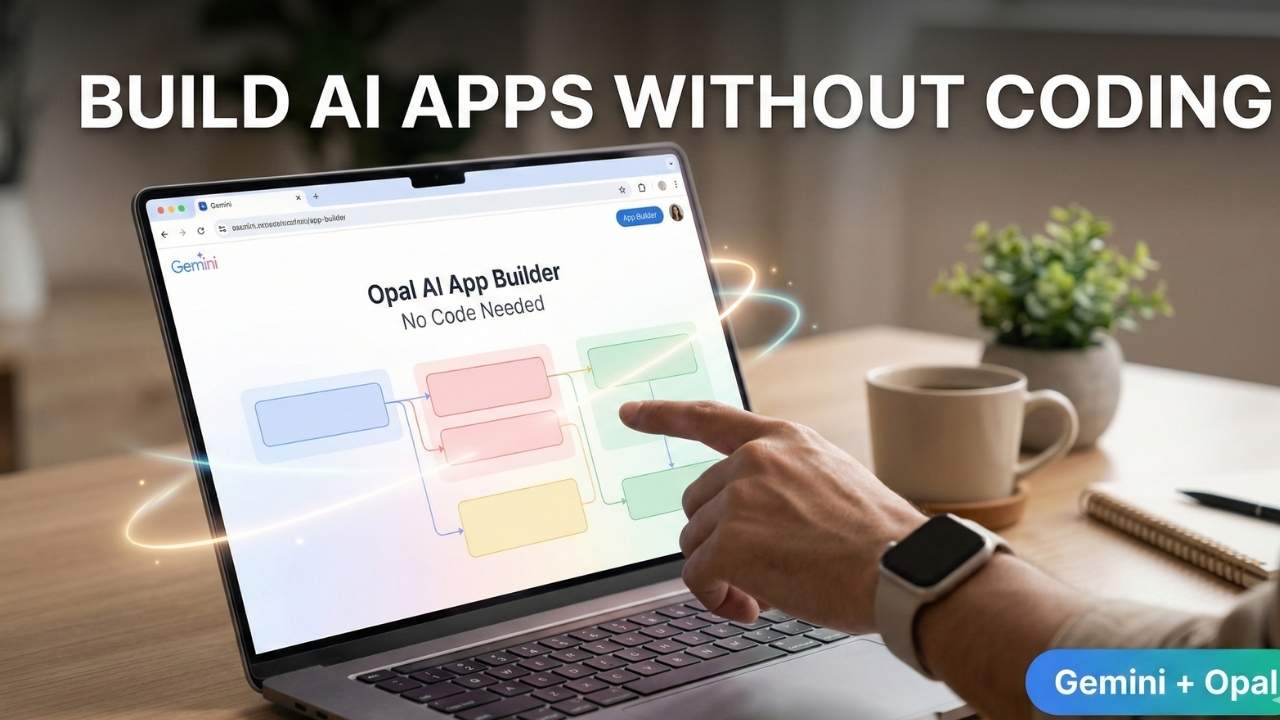
Opal comes with a visual editor that shows all the steps involved in building an app. Users can move steps, connect actions, and clearly see how the app flows from start to end.
New Step-by-Step Action View in Gemini
Google has also introduced a new view where written prompts are converted into step by step actions. This helps users understand how their app works internally.
This feature makes the building process more transparent. Users can easily see what happens first, what happens next, and how different steps are connected together.
Advanced Editor for More Control
For users who want more control and advanced features, Google allows switching from Gemini to the Advanced Editor available at opal.google.com.
The advanced editor provides more customization options and flexibility. Once a mini app is created, it can be saved and reused anytime for future tasks.
Why Vibe Coding is Becoming Popular
Vibe coding means building apps using natural language instead of traditional programming. This trend has grown very fast in recent years because it saves time and reduces complexity.
Many startups like Lovable and Cursor are working in this space. Big AI companies such as OpenAI and Anthropic also offer similar tools. Some platforms like Wabi focus more on everyday users who want simple app building solutions.
Gemini Becomes More Powerful With Opal
Gemini’s web app is available at gemini.google.com, and the Opal integration makes it more powerful for creative and practical use.
Now users can move beyond basic AI chat and turn ideas into real working AI apps. For people in the USA who want fast app creation without coding, Opal inside Gemini feels like a very useful and practical update.
Also Read :- Avatar Fire and Ash Trailer Review: Darker Tone, Intense Action and Mixed Reactions